=====================
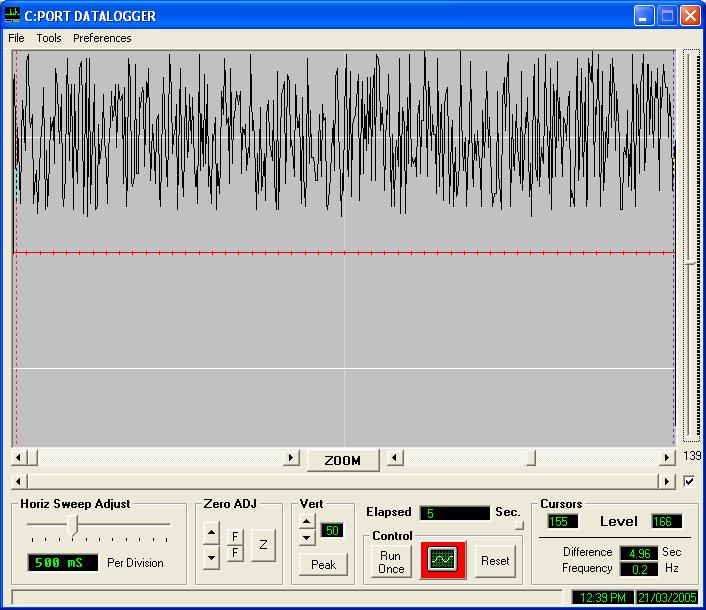
Data logging is making measurements and recording them against time. You could, in some cases, do this by hand. But for increased speed and accuracy, in hostile environments, with unattended monitoring or logging over long periods of time - you need electronic data logging.
How to Electronically Log Data
==============================
One method is with a stand-alone data logger, which you later plug into a computer to access the data. Alternatively you can use the PC itself as a data logger.
The list of measurements that can be computerized is almost endless: temperature, pressure, strain, position, depth, rainfall, salinity, humidity, flow, pH, vibration, windspeed and so on. Using the PC as a data logger means a more flexible system with a real-time view of data trends via charts, tables or other displays. It also allows automatic control should set limits be exceeded. For example, if a temperature reached a certain level then a heater could be turned off.
There are many ways to connect measuring devices to the PC. Some instruments, such as GPS receivers and electronic balances, can be plugged directly into the COM port of the computer. Sensors such as thermocouples or strain gauges might connect to units external to the PC, communicating over USB, Ethernet, RS485, RS422, Modbus, GPIB or WiFi.
An important component of the system is the software. At the very least you need a driver to communicate with the measuring device and some data logging software. With a PC, though, there are many more options available: software chart the data, monitor alarms, control a system, analyse the data, create reports and share information across networks.
Data Logging Software
=====================
One thing to consider when choosing data logging software is how will the data be stored. A common solution is in ASCII text files. The file usually has the time, or time and date, in the first column followed by columns of the collected data: temperature, pressure, etc. You can read this type of file in most spreadsheets, word processors or other reporting or
analysis software. However, ASCII files are inefficient in their use of disk space, and the logger software takes a relatively long time to create them. They are suitable for low speed data logging (say 100 samples per
second). C:Port Data Logger stores data in ASCII format.
When high speed logging is needed data may be stored in binary format. This uses less space than ASCII and writing to disk is quicker. Some software can use ASCII files even in high speed applications. It does this by storing the data in memory until collection is complete, and then converting the data to the appropriate engineering units and storing to disk. However, because data is stored in memory it limits the amount of data that can be collected in any one go. C:Port microcontrollers can log data at high speed in binary or ASCII format. Applications like Excel cannot read binary files, you need some specialised software to analyse or convert the data, and C:Port can provide the software to do so.